Your IPTV.
On every screen.
sTeVe is an IPTV player for M3U/M3U8 playlists. Import a playlist from a URL or connect to TSC, Xtream or Onestream servers of your IPTV provider – and watch live TV, archive and your home IP cameras.
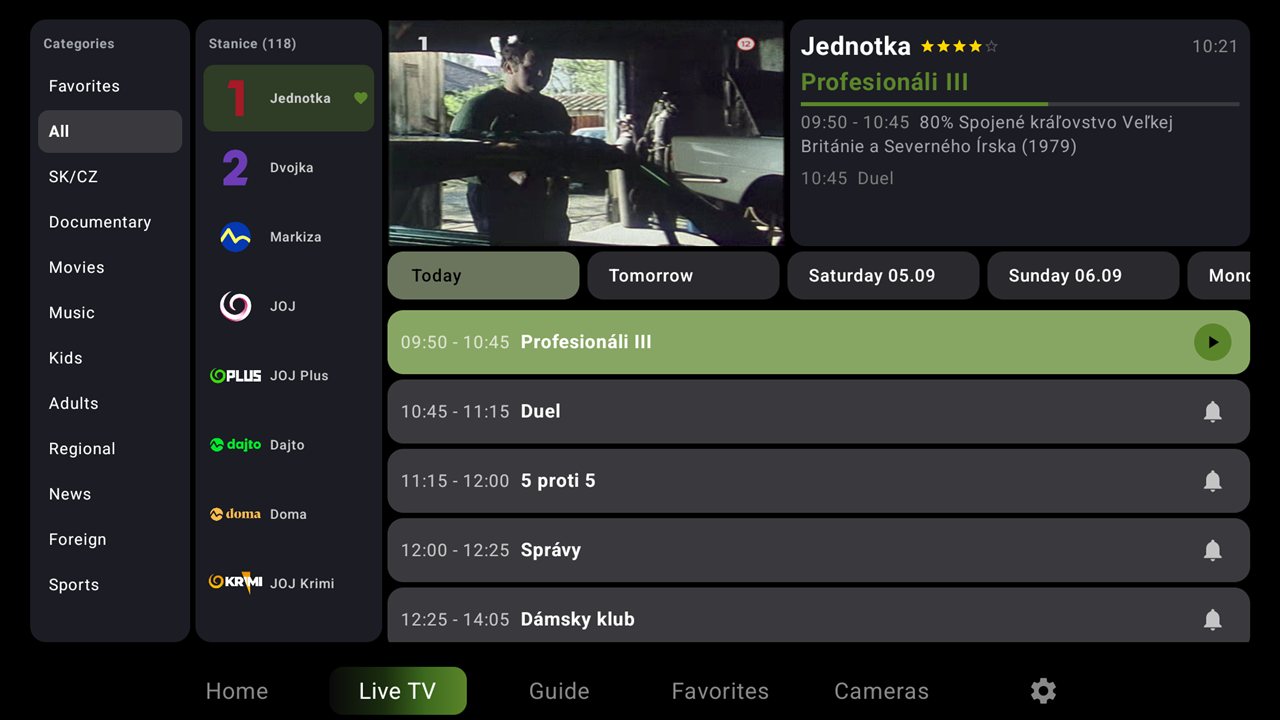


TV and your cameras – picture in picture
Keep watching your programme while your security cameras run in a small window on the same screen. Someone at the gate? You see it instantly – without leaving the TV.
- Automatic camera discovery in your home network
- Search by IP address range
- Independent of the manufacturer – ONVIF and RTSP support
- Cameras in picture-in-picture over live TV or archive
- Full-screen camera view and a saved list of your cameras
- Works on Android TV, set-top boxes, tablets and phones
 ←
15:5530.9.2026
←
15:5530.9.2026
- 16:00 News
- 16:30 Travel
Rewind, pause, start over
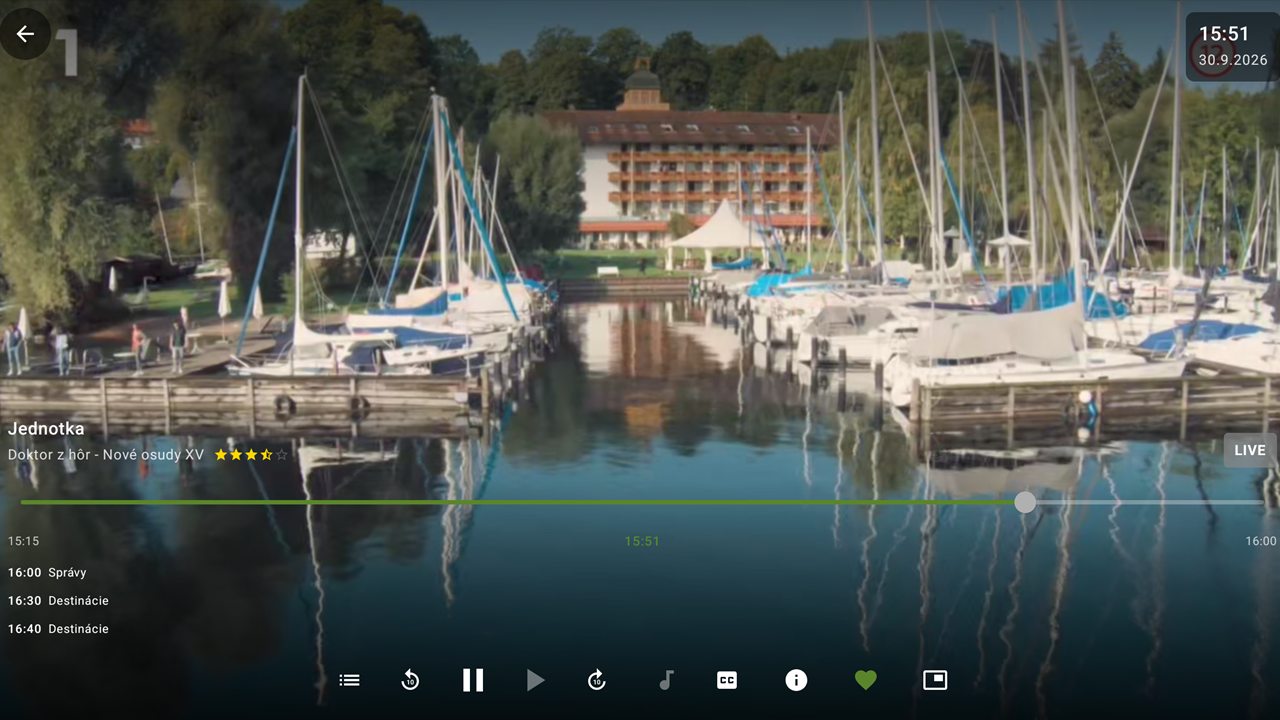
Came home late? Jump back to the start of the show or pick anything from the past days in the TV guide. Rewind and fast-forward freely through the archive.
- Seek through the whole show, ±10 s skip, pause live TV
- Preview thumbnails while seeking – with TSC servers you see exactly where you are
- Archive length depends on your IPTV provider
Never miss your show
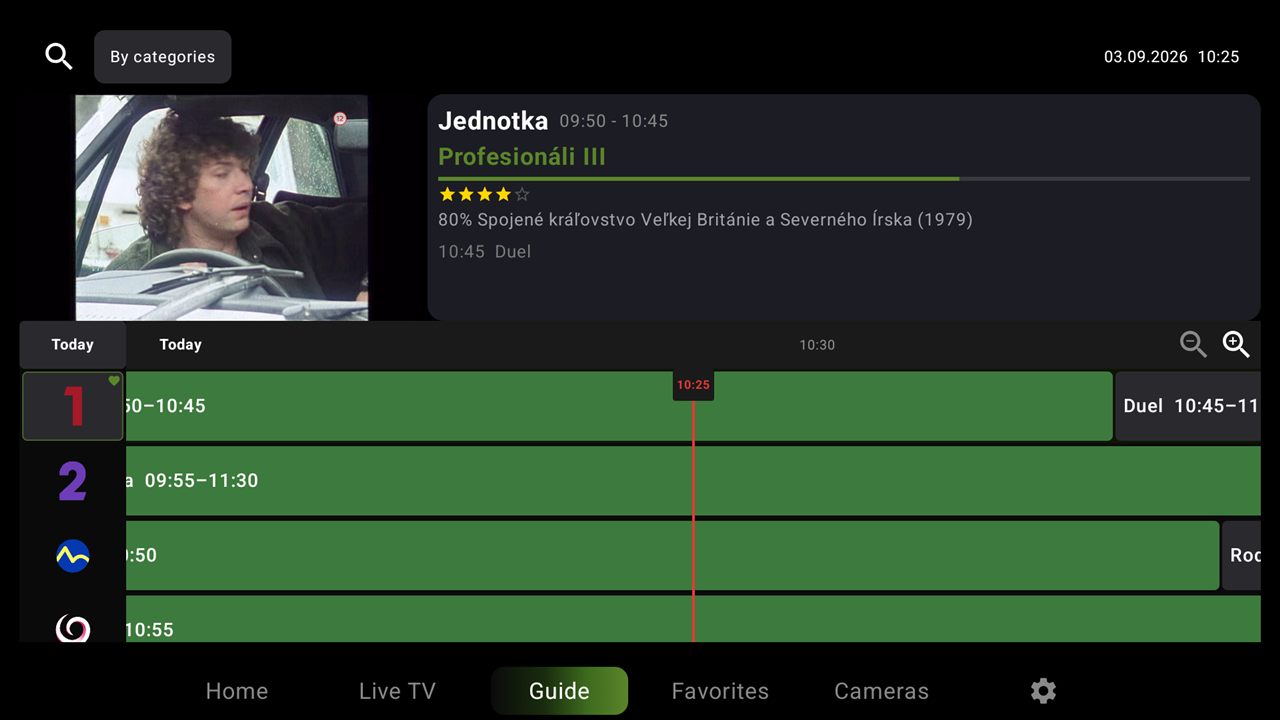
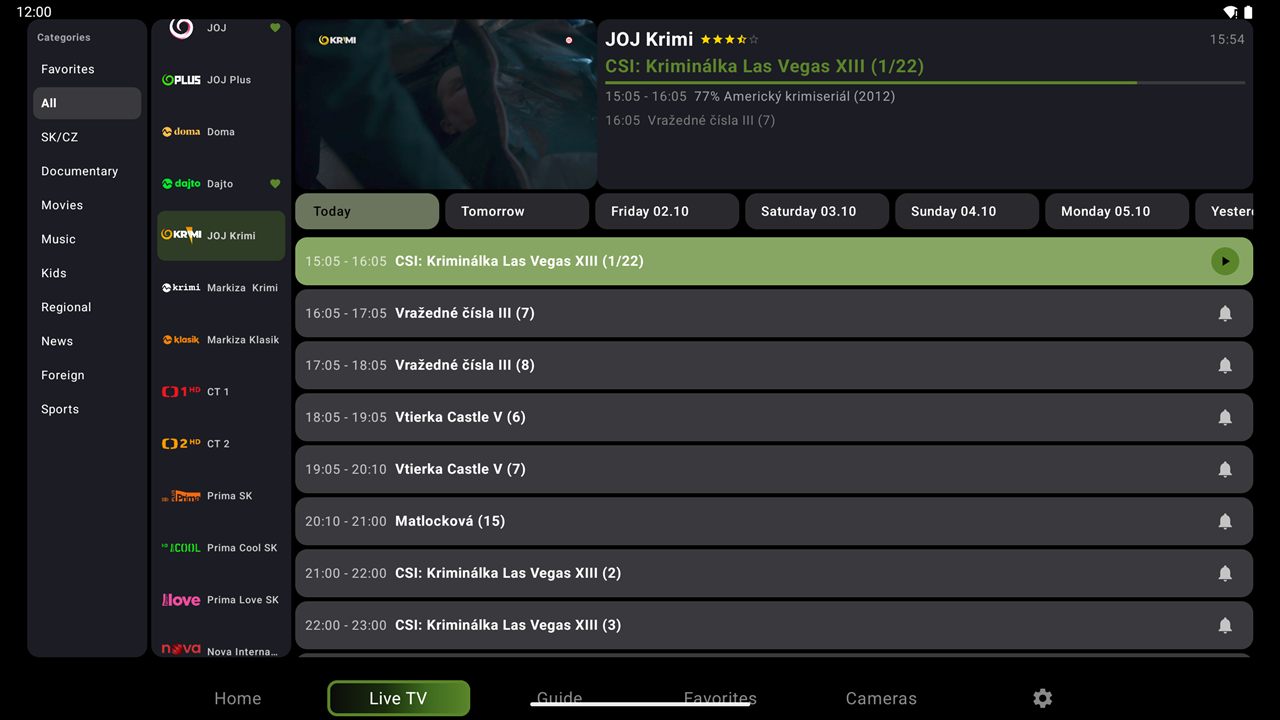
Tap the bell next to any upcoming programme in the TV guide. sTeVe reminds you before it starts and switches to the channel with one click.
One app for all your screens
Download sTeVe from Google Play or the App Store.
sTeVe design on ISPTV player Rubikon
Works with your IPTV provider
Import playlists via a remote URL or sign in to the server of a third-party IPTV service provider.
Have an activation code from your provider?
Just enter it in the app. That's all.
No code? Choose on our website
The app takes you to our website, where the choice is yours: pick your provider from the list, or enter your own URL, username and password.
Just choose – sTeVe does the rest.
Everything for comfortable watching
Live TV
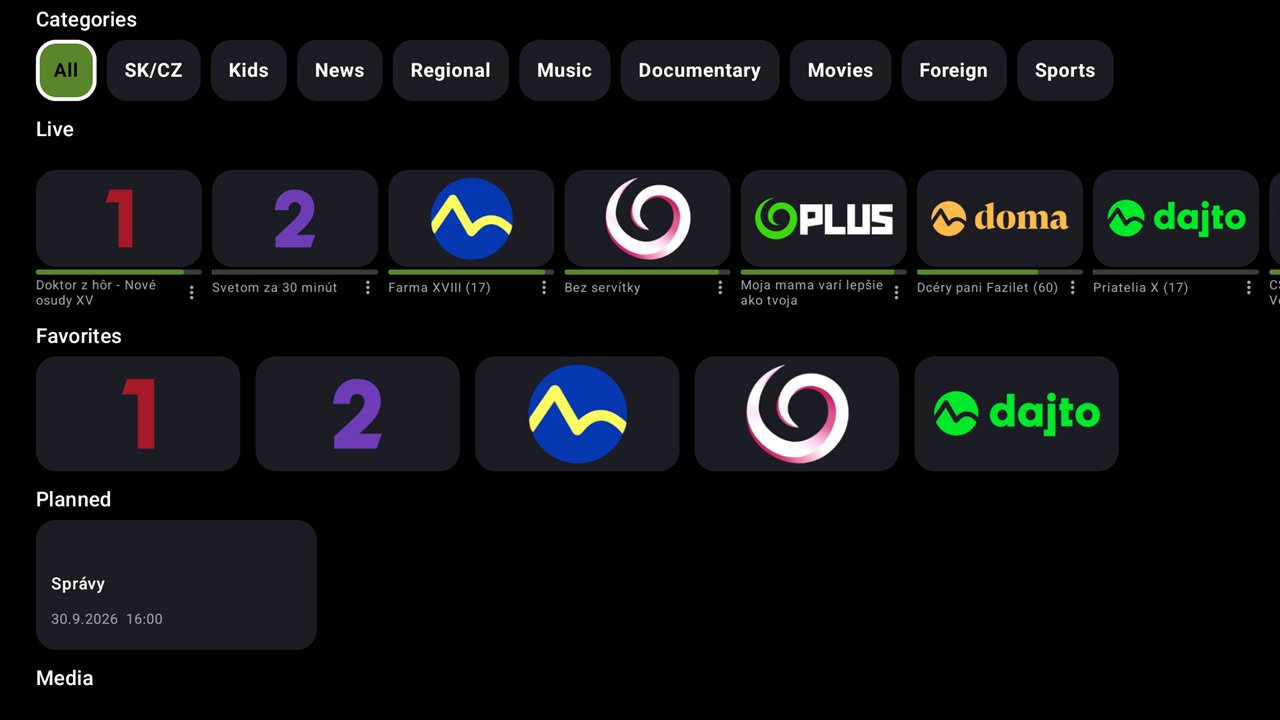
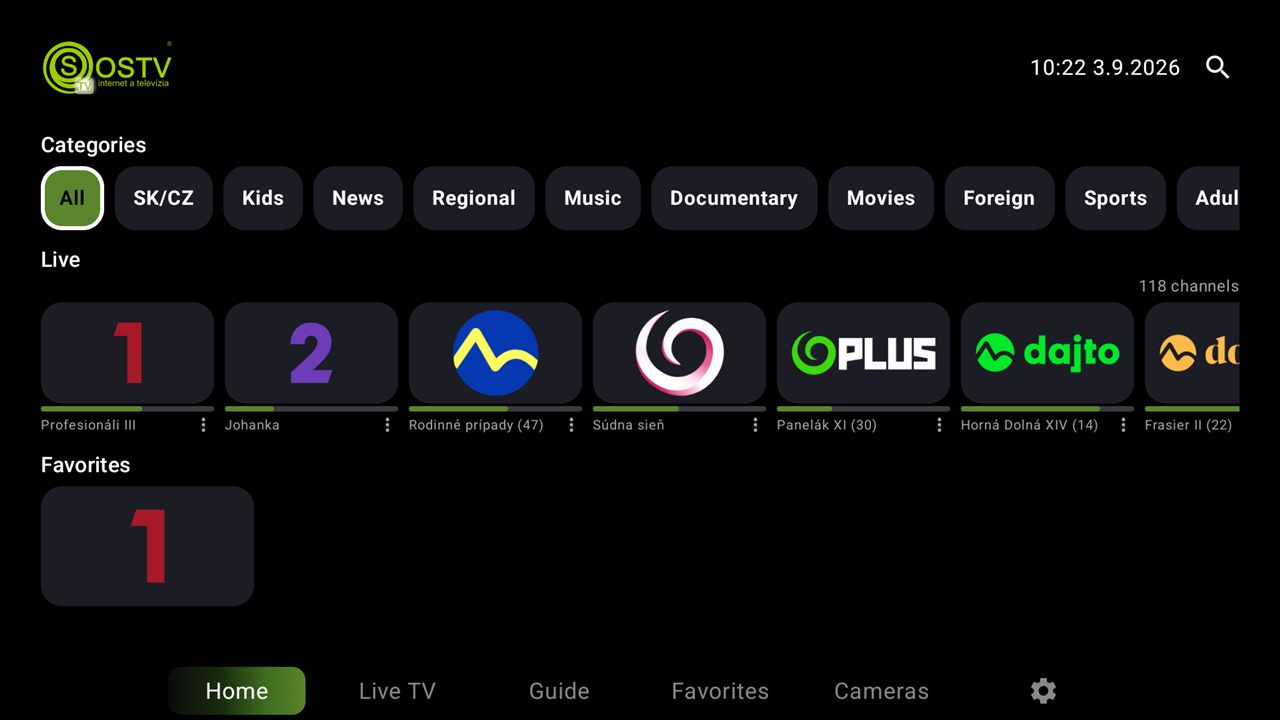
Channels sorted by categories, fast switching and a now/next preview.
Archive
Missed a show? Play it back from the archive if your provider supports it.
TV guide (EPG)
Full programme guide with timeline, ratings and reminders.
IP cameras
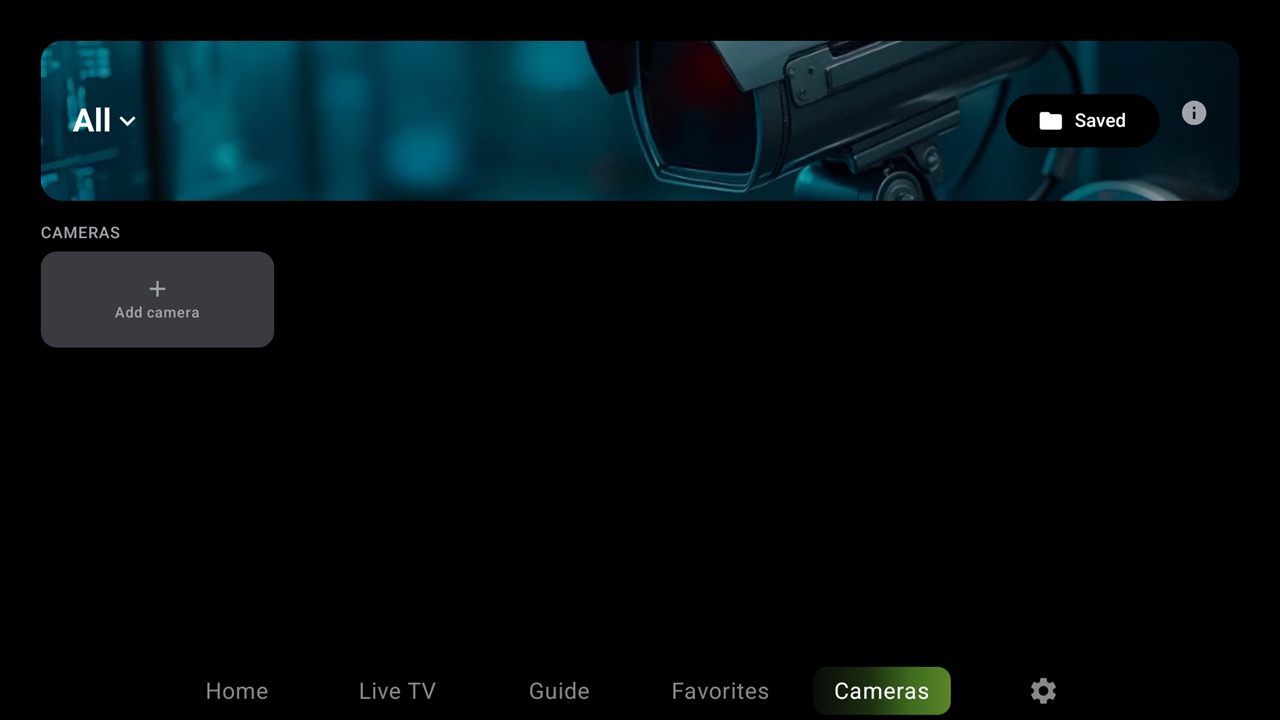
Cameras are found automatically on your network, from any manufacturer (ONVIF, RTSP). Watch them directly on the TV.
Favorites & search
Keep your channels at hand and find any show in seconds.
Every device
Android TV, set-top boxes, Android phones and tablets, Apple TV, Mac, iPhone and iPad.
Take a look
Set up in a minute
- Install sTeVe from Google Play or the App Store
- Paste your M3U/M3U8 URL, or enter the TSC / Xtream / Onestream server with your login
- Channels, TV guide and archive load automatically
sTeVe is a media player only. The app does not provide, include or sell any channels, playlists or content. To watch TV you need a subscription from a third-party IPTV service provider authorised to distribute the content.
Get sTeVe today
Available for Android, Android TV, Apple TV, macOS, iPhone and iPad.